
A RepCount alternative that actually counts your reps
RepCount is a solid gym log on iPhone and Android. Despite the name, you count the reps and type them in. MyRepsCount counts them for you through the phone camera.
The short answer
Stick with RepCount if…
- You lift at a gym and want a simple, mature log that works offline.
- You need many exercise types: assisted, weighted, timed holds, carries, cardio.
- You don't want an account. RepCount works without one.
Try MyRepsCount if…
- You want an app that counts the reps while you train.
- You work out at home with bodyweight, dumbbells, or kettlebells.
- You want guided workouts, Tabata, and AMRAP, not only a log.
RepCount vs MyRepsCount, feature by feature
| Feature | RepCount | MyRepsCount |
|---|---|---|
| Automatic rep counting | ✕ | ✓ 60+ exercises |
| Manual logging with weights | ✓ | ✓ |
| Android | ✓ | ✓ |
| Charts and personal records | ◐ Premium | ◐ Free for 3 months of history |
| Supersets | ◐ Premium | ✓ |
| Rest timer | ✓ | ◐ Timed rest blocks, Tabata intervals |
| CSV export | ◐ Premium | ✕ |
| Works without an account | ✓ | ✕ |
| Blocks apps until you train | ✕ | ✓ |
✓ yes ◐ partly or paid ✕ no
Why people switch
It counts. Really.
Prop up the phone and the camera counts each rep. You never lose track at rep seventeen.
Logging included
Anything the camera can't see goes in the manual log, so all your training is in one place.
Supersets for free
Supersets and personal records don't need a subscription.
Where RepCount is better
We make MyRepsCount, so here is the part most comparison pages leave out.
- Over a decade of polish as a gym log, with a 4.9 rating on both stores.
- More exercise types: assisted, timed holds, farmer's walks, and cardio.
- Works offline without an account.
- Pre-fills each set with last session's numbers, which makes logging fast.
How MyRepsCount counts your reps
-
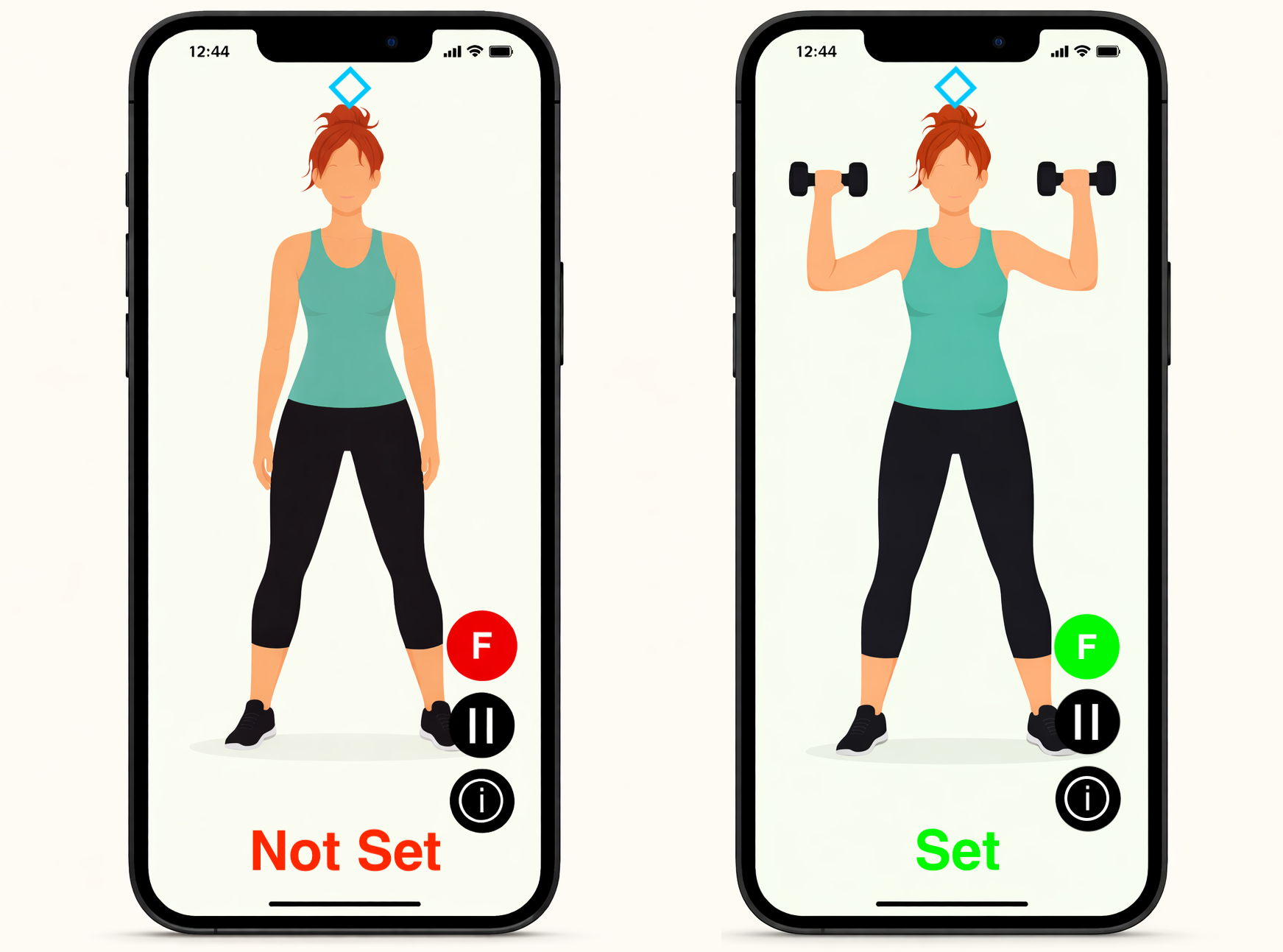 Prop your phone up. Floor, shelf, or against a water bottle, with your whole body in frame.
 -
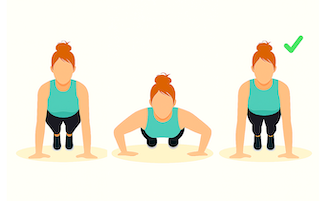 Train hands-free. The camera tracks your movement on the phone and counts each full rep. No video is recorded or uploaded.
 - Or log it by hand. Anything the camera can't count goes in the manual log, with weights, rep ranges, and supersets.
More on the free rep counter app and the free workout library.
RepCount alternative FAQ
Is RepCount on Android?
Yes. RepCount Gym Workout Tracker is on Google Play, and your log syncs between Android and iPhone if you sign in.
Does RepCount count reps automatically?
No. RepCount is a manual workout log: you enter weight and reps for each set, pre-filled from your last session. It doesn't use the camera or a watch to count.
What is the difference between RepCount and MyRepsCount?
They are unrelated apps. RepCount is a manual gym log. MyRepsCount counts your reps automatically with your phone camera and also has a manual log.
Is RepCount free?
The workout log is free. Charts, personal records for every rep range, supersets, drop sets, and CSV export need a Premium subscription.
Try it free on your phone
Automatic rep counting, the manual log, and Focus app blocking are free on iPhone and Android.